5. SQL Tools
To run the database of the edinn M2 platform, please download and install the following programs:
- MySQL GUI Tools (includes MySQL Administrator)
Location: .\Server\1. New\1. Database\6. MySQLGUITools - SQL yog
Location: .\Server\1. New\1. Database\7. SQLYog - Operational check
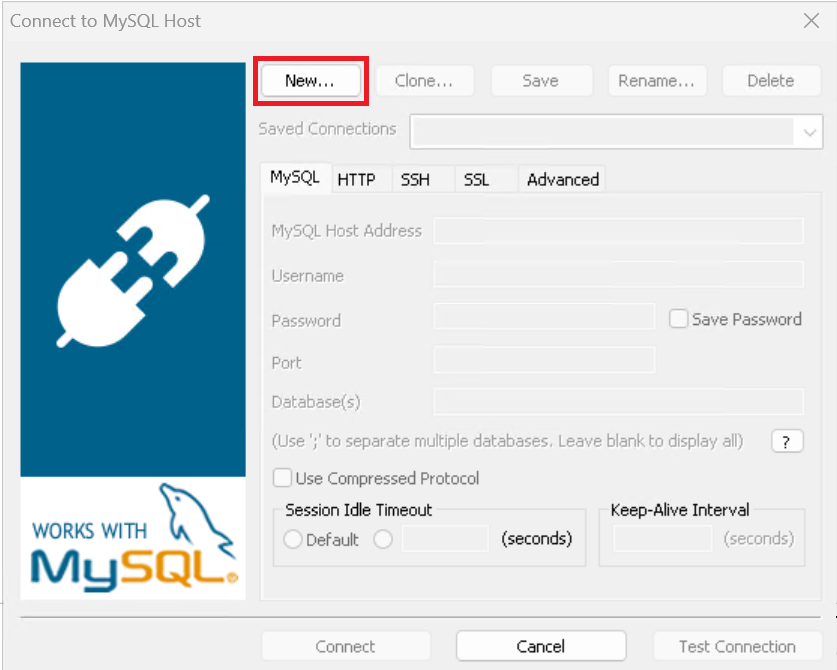
- Open the SQLyog and click "New"
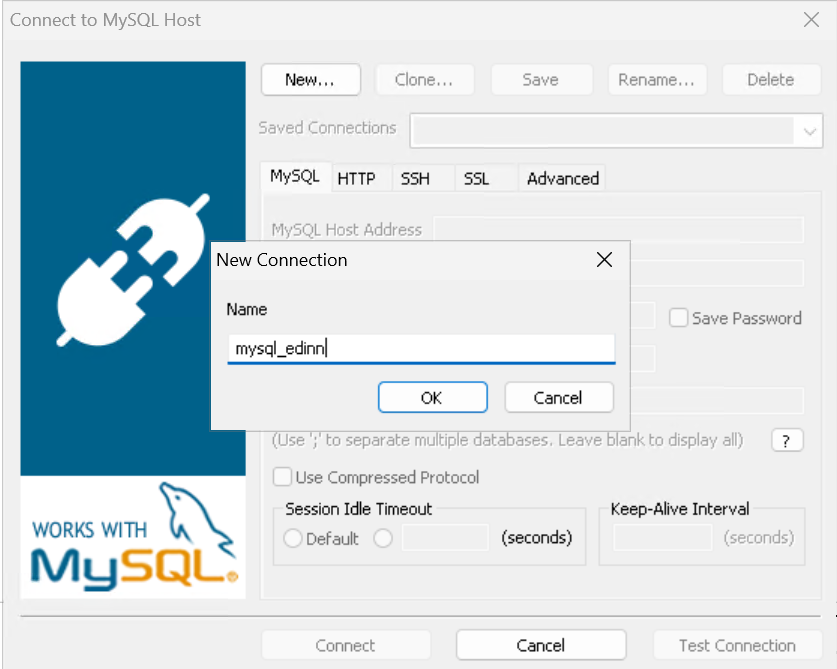
- Enter a name for the new connection
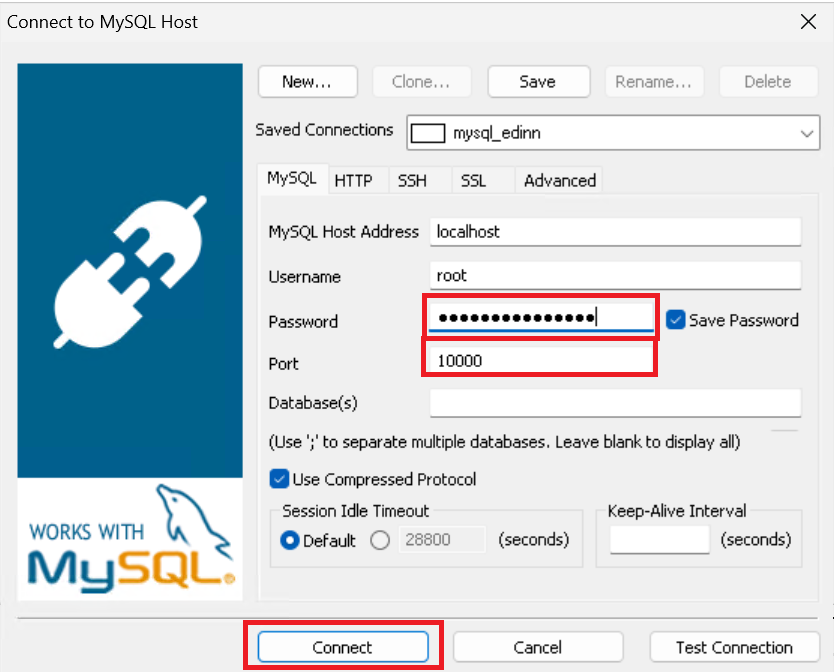
- Check the password and the port you want to connect to
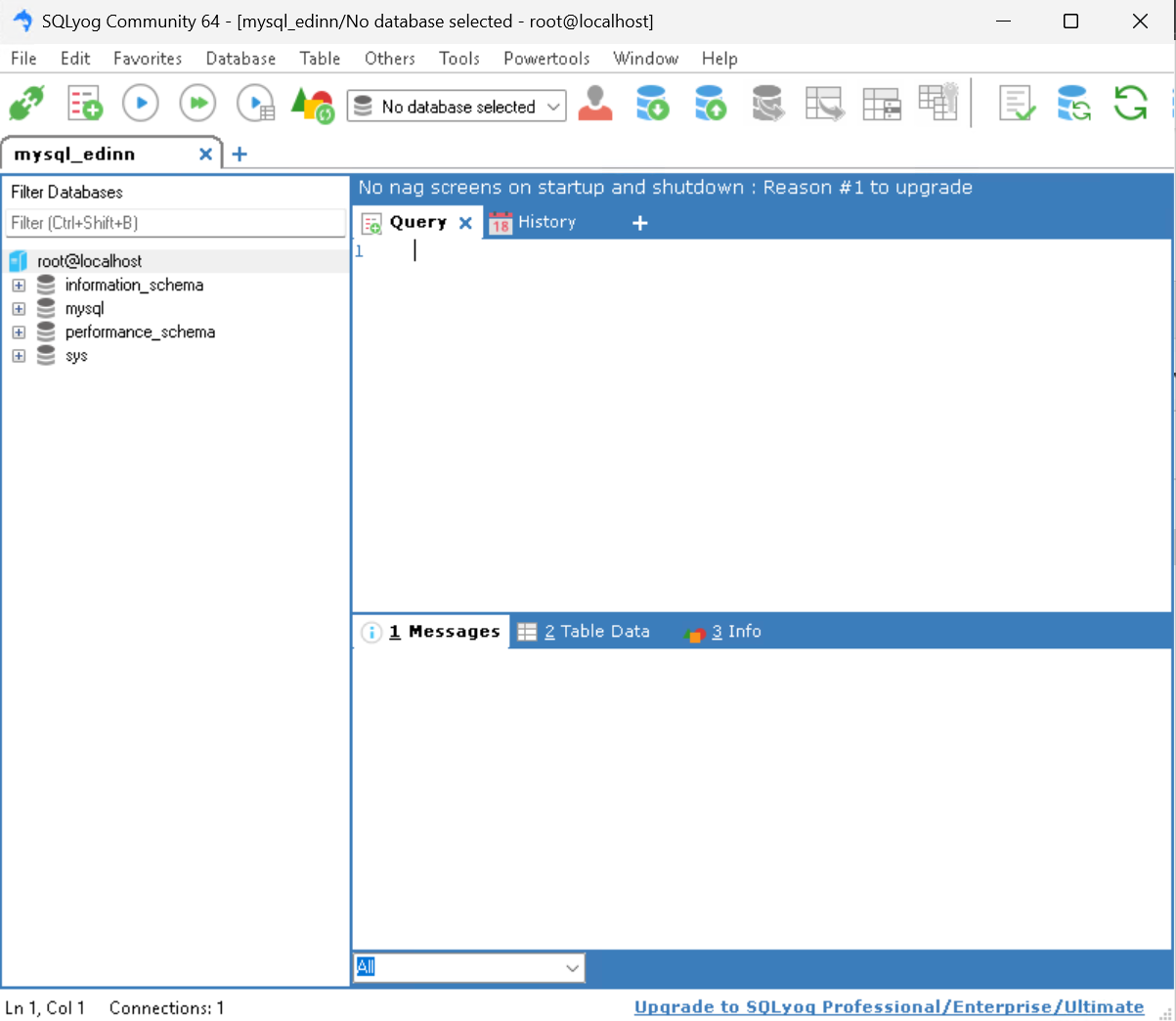
If everything is fine, you should see the following image: