
Summary
Shows a quick summary of the Results obtained.
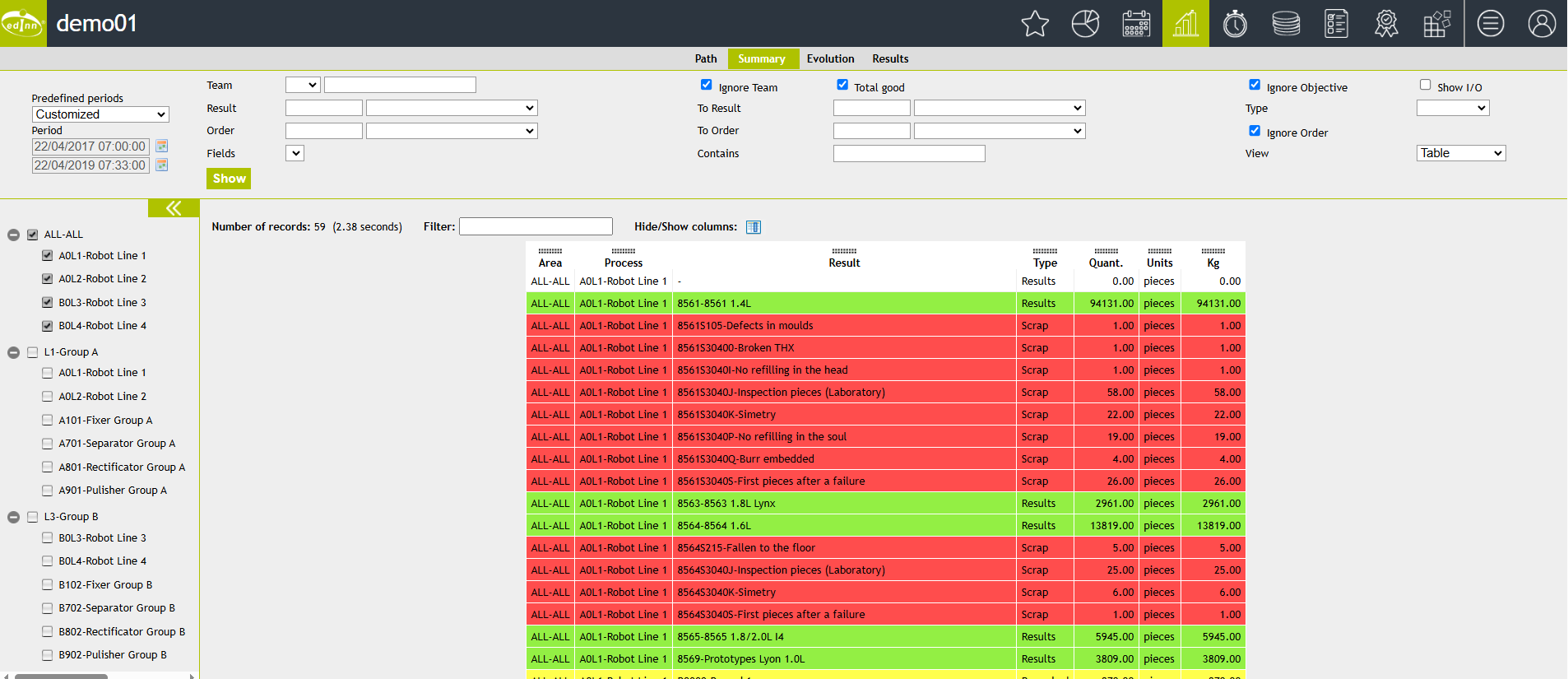
Selectors are:
- Please see: "Common aspects"
- Team: If you want to see information only regarding the times a specific team worked.
- Ignore Objective: The objectives (goals) of the results are not displayed. Checking this option will speed up the report.
- Show I/O: Shows the inputs and outputs of each result.
- Result From and Until: Selects the result from and until you want to focus the report on.
- Working Order From and Until: Selects the order number.
- Type: Result type.
- Ignore Team: Checked, ignores and hides the team column.
- Total Good: Totals only good results.
- Ignore Order: Ignores the order.